Mastering 15-Minute Rounding in Workday Time Clock Configurations: Boost Payroll Accuracy for Shift-Based Teams
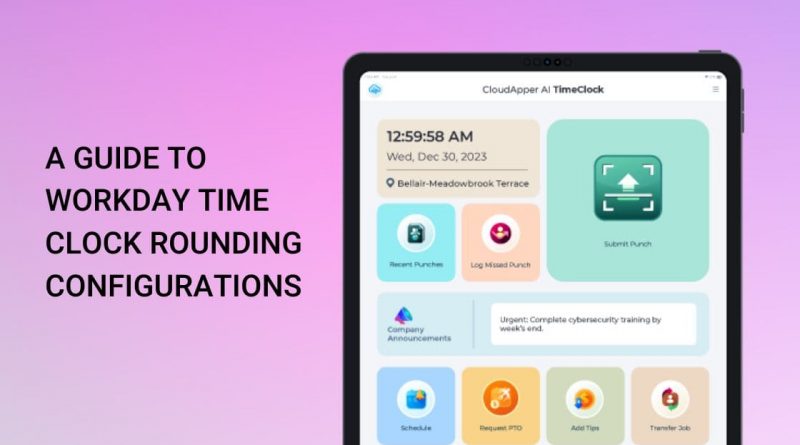
For businesses in retail, hospitality, manufacturing, and healthcare, every minute counts when tracking hourly shifts. Workday HCM’s time clock rounding rules can make or break payroll precision, employee trust, and labor law compliance. This niche guide zeroes in on the most popular setting — 15-minute (nearest quarter-hour) rounding — and shows how to configure it for maximum fairness and cost control.
What Is 15-Minute Rounding in Workday Time Clock?
Workday automatically adjusts clock-in and clock-out punches to the nearest 15-minute mark. Any punch within 7.5 minutes of a quarter-hour rounds to the closest increment. Example: 9:08 a.m. rounds to 9:00 a.m.; 9:09 a.m. rounds to 9:15 a.m.
You can also choose:
- Nearest minute (ultra-precise)
- No rounding (exact seconds)
Rules are customizable by department, shift, or job code — perfect for multi-team organizations.
Why 15-Minute Rounding Wins for Shift Workers
- Payroll accuracy: Eliminates tiny discrepancies that inflate costs.
- Employee fairness: Workers quickly learn the “7.5-minute grace window,” reducing disputes.
- Compliance: Aligns with FLSA and state wage laws when applied consistently.
- Efficiency: Less manual editing for HR in high-volume shift environments.
Studies and real-world deployments show proper rounding can cut payroll processing time by up to 30 % while keeping employees satisfied.
Best Practices for Workday Rounding Configurations
- Apply department-specific rules (e.g., 15-minute for retail floor staff, no rounding for salaried admins).
- Combine with geofencing and touchless check-in to prevent buddy punching.
- Use real-time analytics to monitor rounding impact on overtime and labor costs.
- Review policies annually or after labor-law changes.
Common pitfall to avoid: Using one blanket rule across all teams — it often leads to unfair short pays or inflated hours.
Take It Further with CloudApper AI Time Clock for Workday
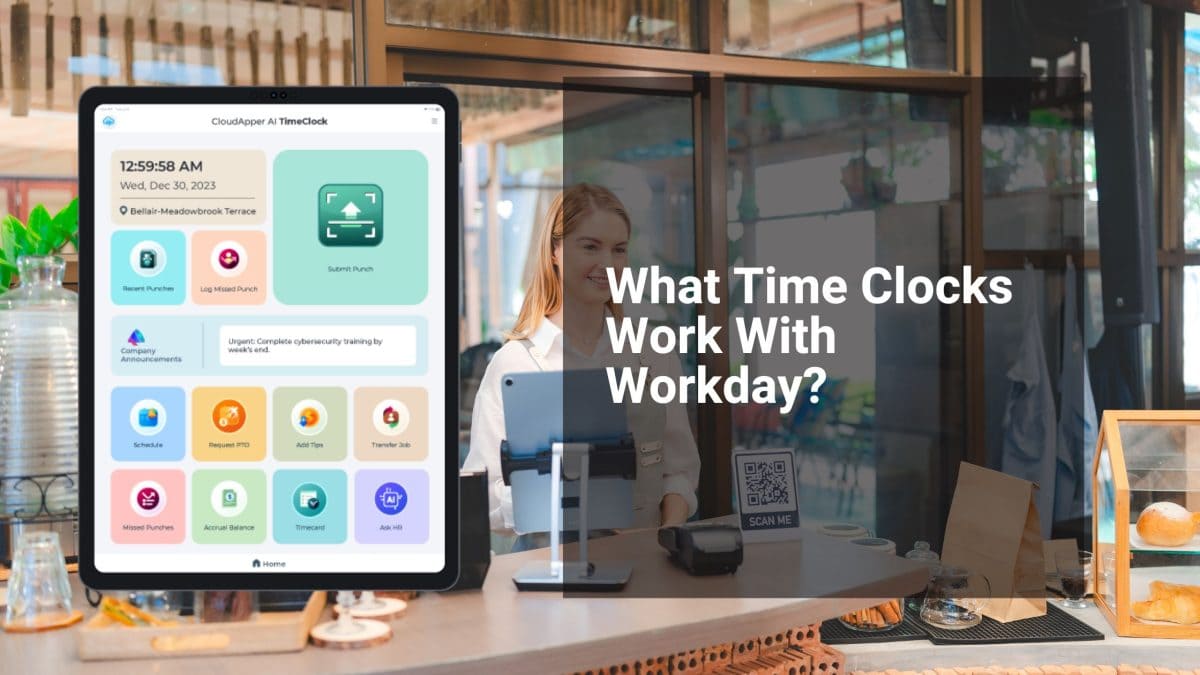
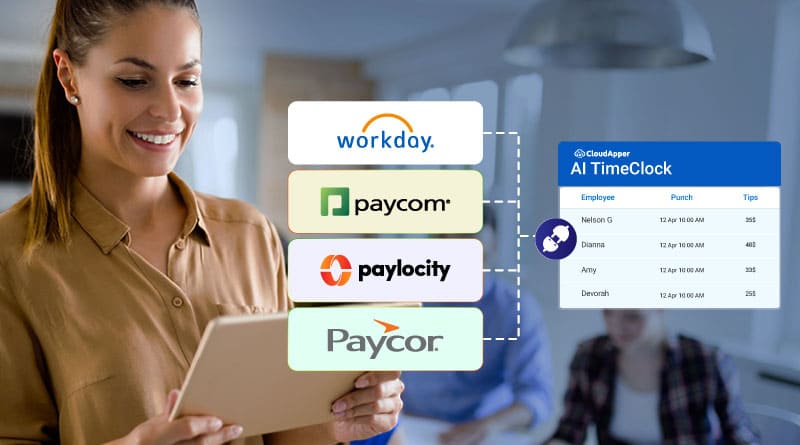
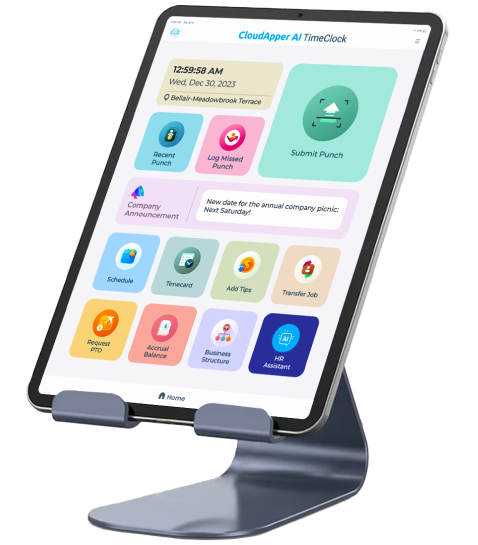
Native Workday rounding works well, but CloudApper AI Time Clock supercharges it. Turn any tablet into a smart kiosk with Face ID, offline mode, AI policy assistant, and instant custom rounding by shift or location — all at 25 % of traditional hardware costs. Seamless sync with Workday Payroll and Absence Management means zero data entry errors.
Ready to simplify your timekeeping? Explore the full guide to Workday Time Clock Rounding Configurations for deeper setup details.
For a modern, AI-powered solution that makes rounding effortless, visit the CloudApper AI Time Clock for Workday page and transform how your shift teams clock in today.
Super Efficient Employee Time Clock Kiosk Application
Cost Effective Employee Time Clock Application for
All Major HR, HCM
and Payroll
Systems