How to Build an AI Chatbot for Workday: Boost Employee Self-Service & Reduce HR Workload
TL;DR:
An AI chatbot for Workday enables employees to get instant answers on leave balances, payroll, benefits, and more through natural conversation. Using no-code platforms, organizations can quickly deploy a secure, integrated chatbot that streamlines HR operations and improves the employee experience.
Workday users often face challenges with complex navigation, slow response times from HR teams, and limited self-service options. Employees waste valuable time searching for information or waiting for support, while HR professionals get overwhelmed with repetitive inquiries. A well-built AI chatbot for Workday directly addresses this pain point by delivering conversational, real-time self-service directly connected to your Workday HCM data.
Why Workday Teams Need a Dedicated AI Chatbot
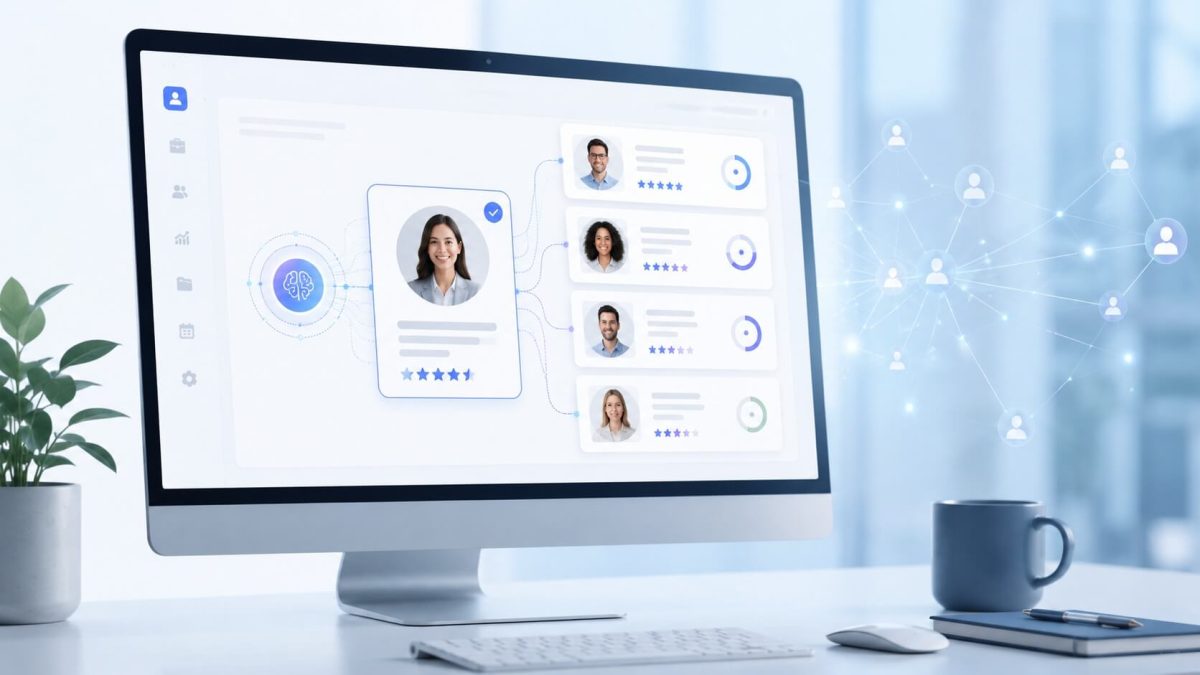
Workday is a powerful HCM platform, but many employees still struggle to find quick answers. An intelligent AI chatbot for Workday uses natural language processing (NLP) to understand questions in plain English and execute tasks securely. This reduces HR ticket volume significantly, empowers employees with 24/7 access, and allows HR to focus on high-value strategic work.
Key Benefits for Workday Users:
- Instant responses to common queries (time off, payslips, benefits, policies)
- Reduced administrative burden on HR teams
- Higher employee satisfaction and engagement
- Secure, role-based access to Workday data
- Seamless mobile and desktop experience
Simple Steps to Build an AI Chatbot for Workday
- Identify High-Impact Use Cases Focus on frequent employee needs such as checking leave balances, submitting time-off requests, viewing payslips, updating personal information, and accessing company policies.
- Select a No-Code Integration Platform Choose solutions designed for Workday that require no heavy custom coding or extensive IT resources.
- Integrate Securely with Workday Connect the chatbot to your Workday tenant for real-time data access and transaction capabilities while maintaining full security and compliance.
- Test, Train, and Optimize Launch with core functions, monitor conversations, and refine based on real employee interactions for continuously improving accuracy.
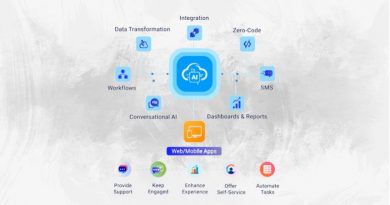
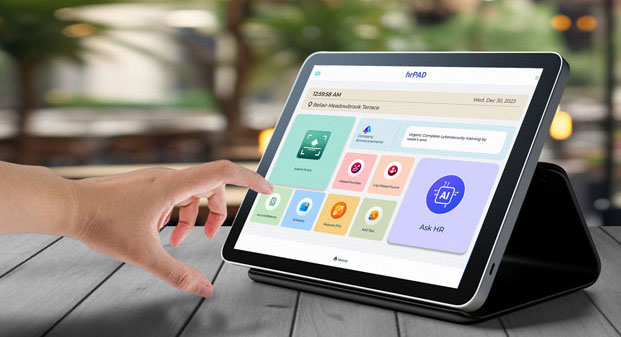
Platforms like CloudApper hrGPT make it easy for Workday customers to build and deploy a powerful AI chatbot for Workday without complex development.
For organizations with frontline or deskless workers, combining your AI chatbot for Workday with advanced time tracking creates a complete self-service solution. Check out the CloudApper AI TimeClock for Workday — offering touchless biometric clocking with AI-powered assistance for seamless attendance and payroll management.
Final Thoughts
A custom AI chatbot for Workday transforms how employees interact with HR — moving from frustrating portal navigation to natural, instant conversations. It delivers measurable ROI through reduced HR workload and improved employee experience.
Ready to get started? Read the full original guide here: Building a Simple AI Chatbot for Workday.